Bearing regions
Trend comparable housing regions after the machine reaches a stable operating state.
IR thermography
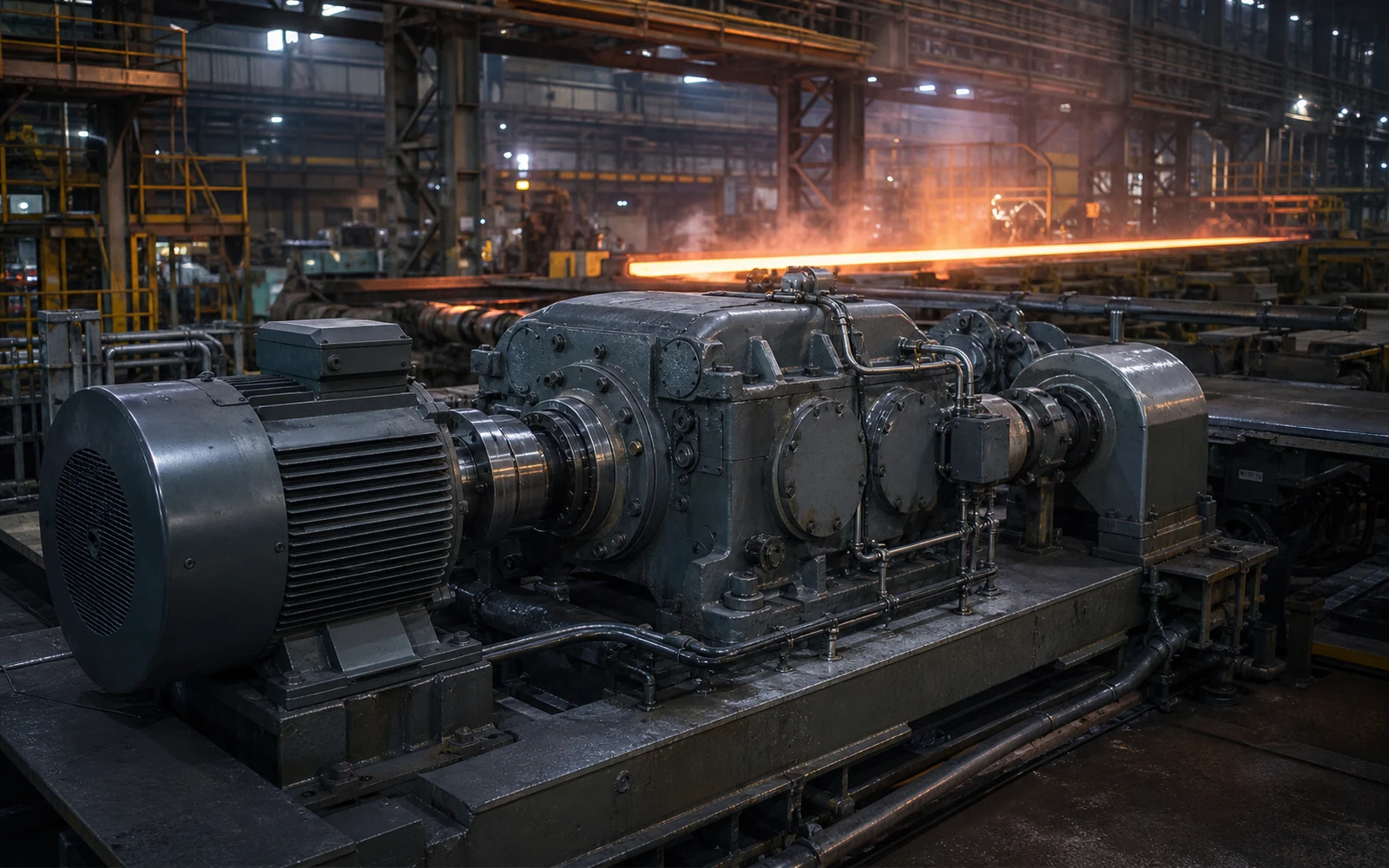
ConditionCore maps documented machine regions such as the motor drive end, non-drive end, coupling, gearbox housing and pump bearing, then compares like-for-like temperatures across time and operating state.
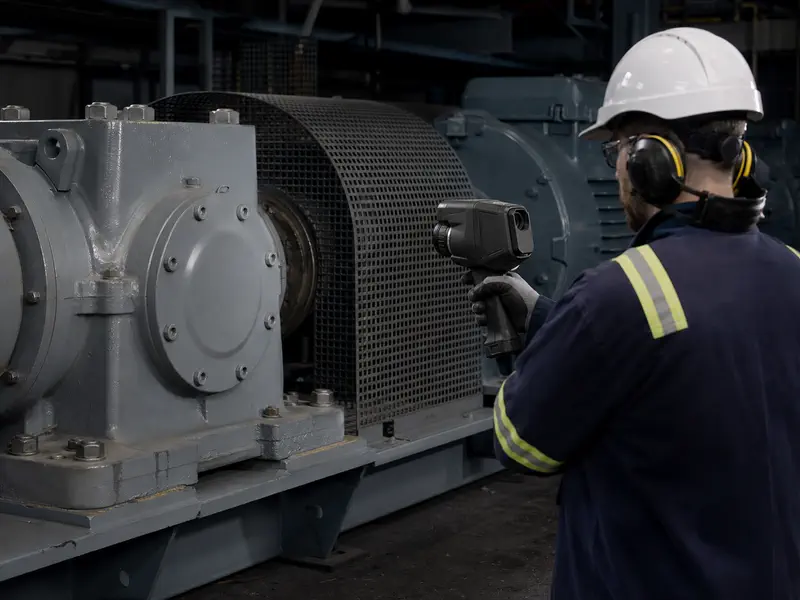
IR thermography
Keep the same physical region, surface assumptions and operating state attached.
Illustrative thermal workflow
Illustrative · not a customer resultA documented region of interest (ROI) keeps each surface-temperature estimate attached to the same machine location; it does not turn heat into a diagnosis.
The gearbox-input region changes more than the other illustrated regions. A thermal camera estimates surface temperature; housing temperature is not internal bearing temperature, and the change does not identify its heat source by itself.
Data in
A thermal camera estimates surface temperature; housing temperature is not internal bearing temperature. A hot region is evidence of change, not a standalone fault diagnosis.
What it can reveal
Trend comparable housing regions after the machine reaches a stable operating state.
Separate drive-end, non-drive-end and body temperatures instead of averaging the frame.
Compare like-for-like regions while retaining load, lubricant and ambient context.
Use geometry and view history to distinguish the target from transferred heat.
Identify changing temperature distribution that may indicate restricted heat rejection.
Surface abnormal thermal patterns for qualified electrical follow-up where applicable.
How ConditionCore uses it
Motor and bearing regions, cooling loss and abnormal heating, compared only across qualified like-for-like views.
Attach documented regions of interest to the correct machine component and inspection view.
Retain emissivity, reflected apparent temperature, viewing geometry, ambient conditions and load.
Compare the same component region under sufficiently similar operating conditions.
Test whether the thermal change supports or challenges the leading machine hypothesis.
Common questions
See the controls required for a trustworthy comparison.
IR thermography can reveal abnormal thermal patterns associated with friction, load, cooling, lubrication or electrical conditions. It does not determine the root cause without suitable context and corroboration.
Region mapping keeps each temperature attached to the same physical area, such as a motor drive-end housing, so comparisons do not mix unrelated parts of the image.
Useful comparisons retain emissivity, reflected apparent temperature, distance, angle, ambient conditions, machine load and time to thermal stability wherever available.
First machine review
Share one changing asset and the files you already have. We will confirm what is usable, what remains uncertain and which next check is most valuable.
Request a machine review